
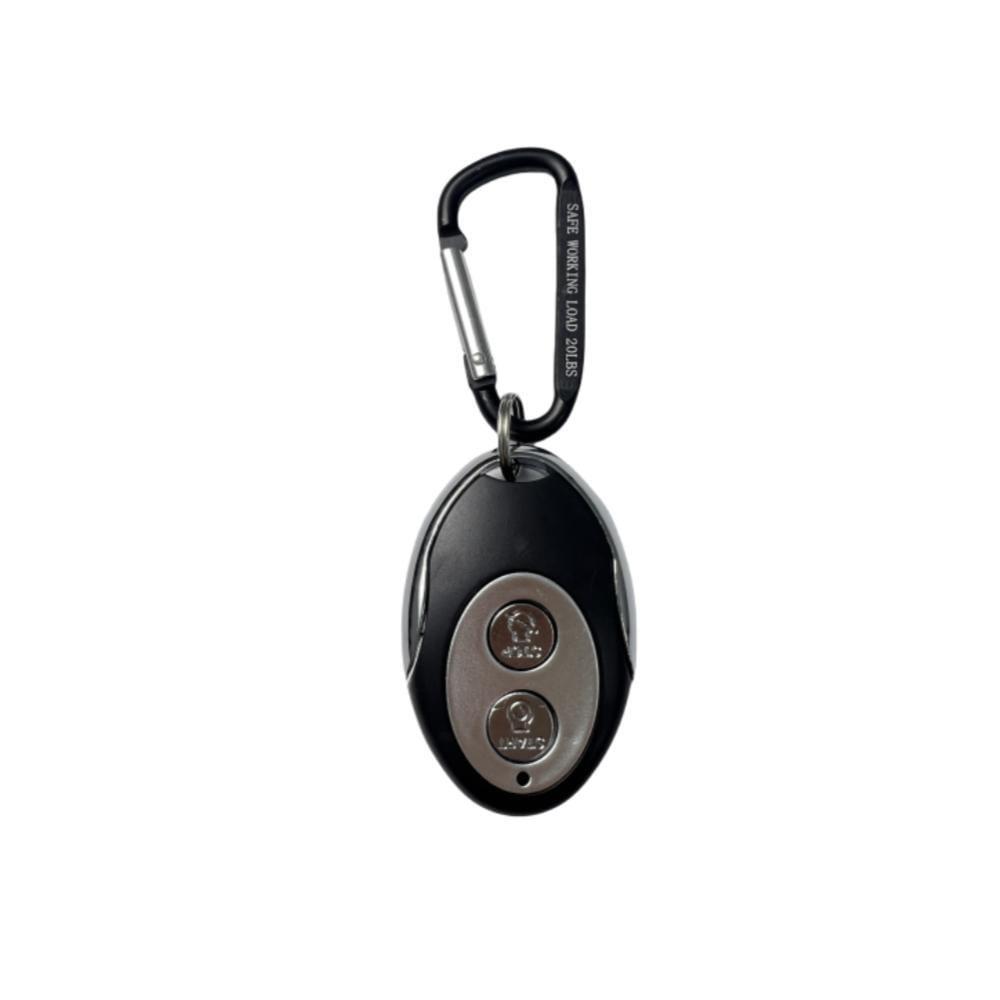
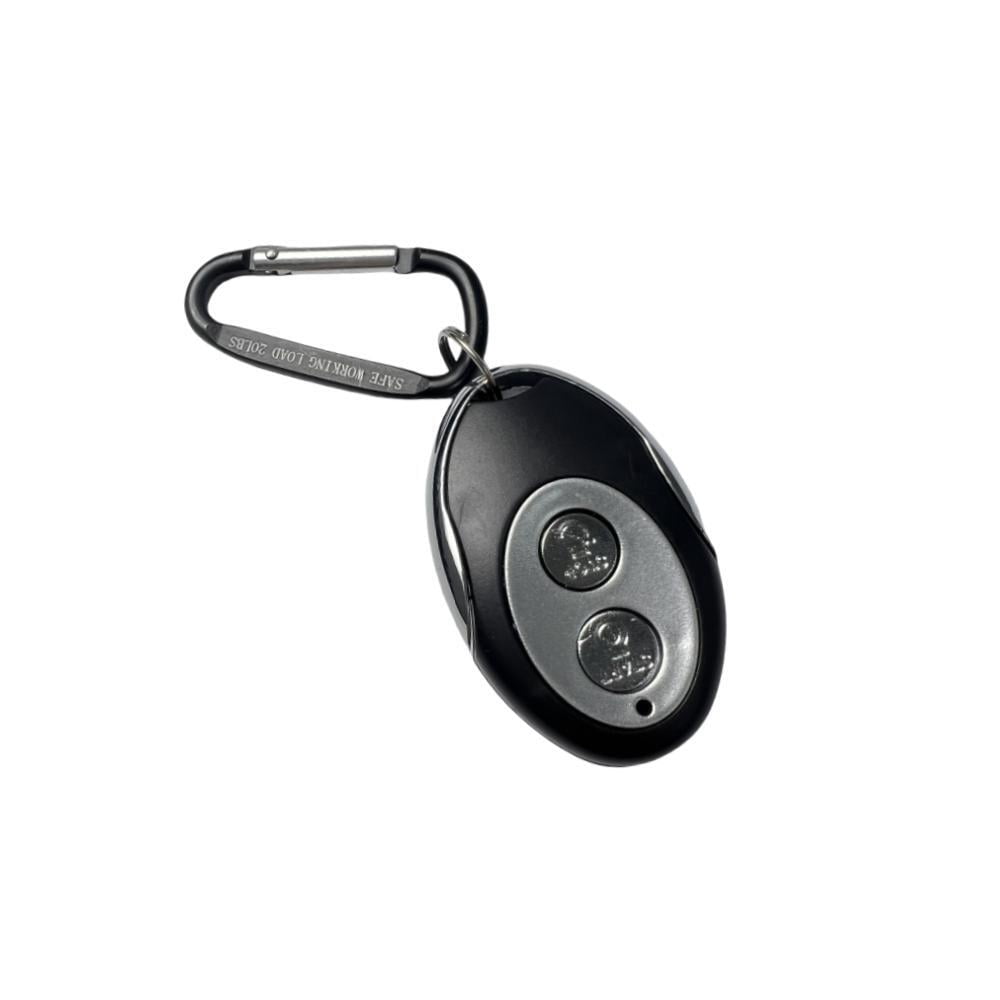
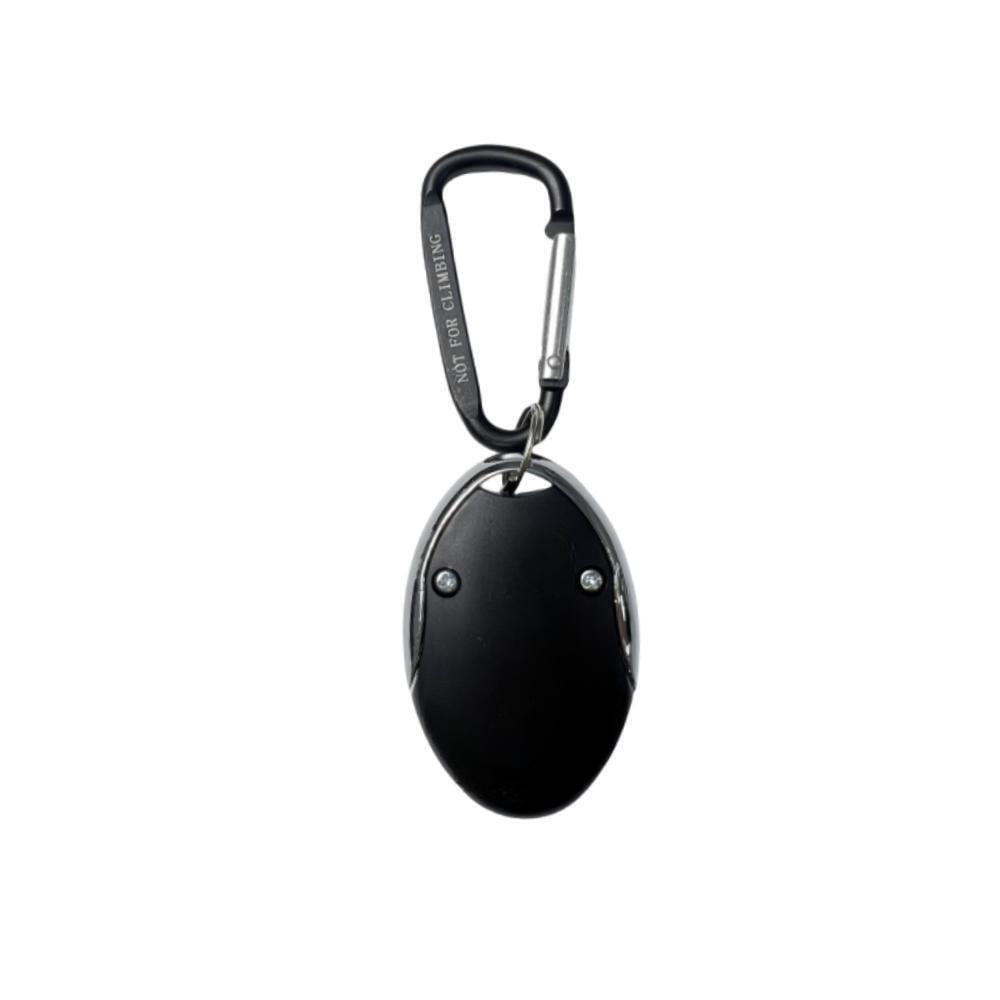
Remote Control Key Fob for Westinghouse Non-Inverter Generator WGen3600DFc WGen5300 WGen5300DFc WGen7500 WGen7500DF WGen9500 WGen9500DF WGen9500DFc WGen9500TFc WGen11500DFc WGen10500DFc WGen10500TFc
Product details
| Management number | 230714408 | Release Date | 2026/06/18 | List Price | $9.59 | Model Number | 230714408 | ||
|---|---|---|---|---|---|---|---|---|---|
| Category | |||||||||
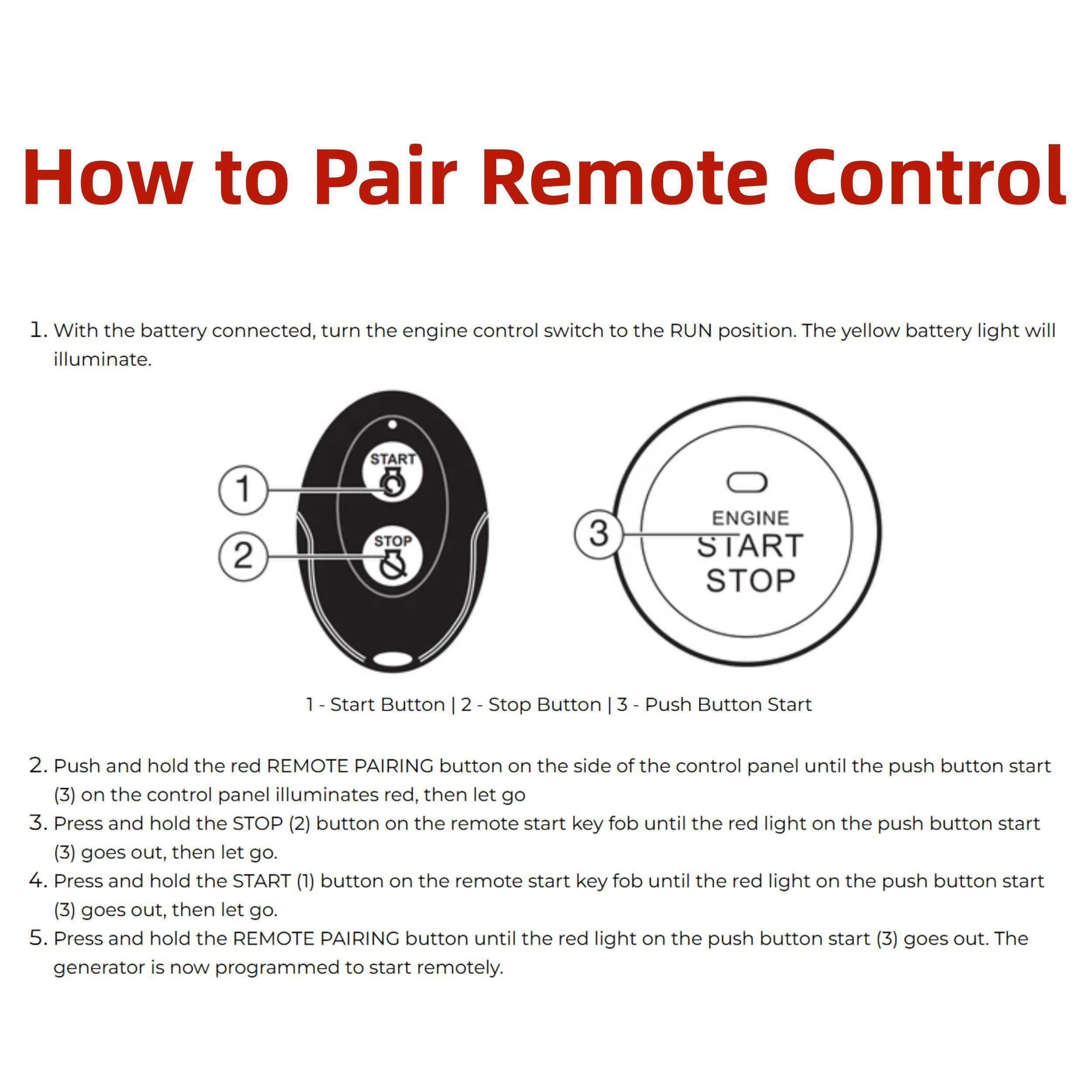
Brand New High Quality Ready to use Remote Control Key Fob for Westinghouse Non-Inverter Generator WGen3600DFc WGen5300 WGen5300DFc WGen7500 WGen7500DF WGen9500 WGen9500DF WGen9500DFc WGen9500TFc WGen11500DFc WGen11500TFc WGen10500DFc WGen10500TFc WGen14500 WGen14500DF WGen14500TFc<br> Product Information:<br> Mode: on/off Wireless Operation<br> Includes: Battery<br> <br> Please note it is a ready-to-use remote control with battery included. It only works with Non-Inverter Generator <br> How to Pair Remote Control: <br> 1) With the battery connected, turn the engine control switch to the RUN position. The yellow battery light will illuminate. <br> 2) Push and hold the red REMOTE PAIRING button on the side of the control panel until the push button START on the control panel illuminates red, then let go. <br> 3) Press and hold the STOP button on the remote start key fob until the red light on the push button START goes out, then let go. <br> 4) Press and hold the START button on the remote start key fob until the red light on the push button START goes out, then let go. <br> 5) Press and hold the REMOTE PAIRING button until the red light on the push button START goes out. The generator is now programmed to start remotely. <br> Package includes 1X Remote Control
- High Quality remote control made for Westinghouse Non-Inverter generator models including but not limited to WGen3600DFc WGen5300 WGen5300DFc WGen7500 WGen7500DF WGen9500 WGen9500DF WGen9500DFc WGen9500TFc WGen11500DFc WGen11500TFc WGen10500DFc WGen10500TFc WGen14500 WGen14500DF WGen14500TFc
- How to Pair Remote Control:1) With the battery connected, turn the engine control switch to the RUN position. The yellow battery light will illuminate.
- 2) Push and hold the red REMOTE PAIRING button on the side of the control panel until the push button START on the control panel illuminates red, then let go
- 3) Press and hold the STOP button on the remote start key fob until the red light on the push button START goes out, then let go.
- 4) Press and hold the START button on the remote start key fob until the red light on the push button START goes out, then let go.
- 5) Press and hold the REMOTE PAIRING button until the red light on the push button START goes out. The generator is now programmed to start remotely.
- Package includes 1X Remote Control
| Brand | Power Products |
|---|---|
| Material | Metal/Plastic |
| Piece count | 1 |
| Accessories | Battery |
| Assembled product weight | 0.15 lb |
| Model | WGen3600DFc |
| Has written warranty | No |
Bestseller ranking
All Motorcycle Oils & Fluids

Customers who viewed this product also viewed
All Walmart Restored Outdoor Equipment



Correction of product information
If you notice any omissions or errors in the product information on this page, please use the correction request form below.
Correction Request Form